
If you’re trying to beat cubicle heat in 2026, you’ll want options that blend portability, airflow, and quiet operation. Think clip-ons, USB-powered mini fans, and compact desk models from trusted brands, each offering adjustable angles and multiple speeds. The list below covers versatile picks—from metal Vornado classics to rechargeable USB fans—so you can weigh noise, size, and power without sacrificing workspace harmony. Curious which model fits your setup best? Let’s compare the strengths side by side.
Key Points
- Clip-on USB fans (BESKAR) offer strong, directed airflow with 360-degree rotation and a quiet ~50 dB operation, ideal for tight cubicle spaces.
- Vornado VFAN Mini provides vintage all-metal construction, adjustable tilt, two-speed quiet airflow, and compact desk footprint for personal cooling.
- Small 4–6 inch desk fans (Gaiatop 5-Inch, RJVW 4-Inch) deliver portable, USB-powered options with 360° tilt/rotation for targeted cubicle cooling.
- High-speed rechargeable USB desk fans (Turbo 199 Speeds) deliver rapid airflow, USB-C recharge, and versatile placement with quiet operation.
- Consider cubicle airflow factors: 360° rotation, adjustable tilt, low noise (30–50 dB), USB power, clip-on vs stand, and compact size for targeted comfort.
BESKAR Clip-On USB Fan with Clips
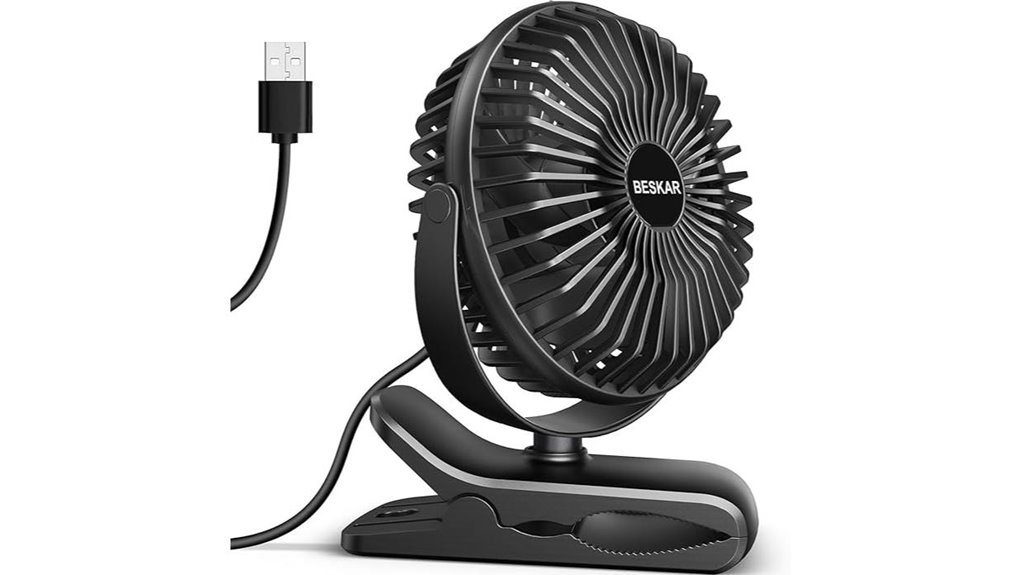
If you need a compact, flexible clip-on fan for small spaces, the BESKAR Clip-On USB Fan stands out with a 360-degree rotation and a strong grip clamp that lets you attach it almost anywhere—desk edge, cubicle wall, or even a stroller—while staying quiet enough for office use. You’ll enjoy three speeds from a USB-powered motor, with an upgraded brushless design delivering powerful wind at about 50 dB. Clip it upside down or on surfaces up to 2.5 inches thick, without scratches thanks to soft clamp padding. It’s desk-ready, portable, and compatible with PCs, power banks, and chargers.
Best For: Office workers, students, and caregivers who need a compact, versatile, USB-powered fan for small spaces and varied mounting options.
Pros:
- 360-degree rotation and flexible direction for targeted airflow
- Strong grip clamp with soft padding to prevent scratches on surfaces
- USB-powered and compatible with multiple power sources; quiet operation (~50 dB)
Cons:
- No built-in battery; requires external power source
- Maximum clip thickness up to 2.5 inches, may not fit thicker surfaces
- Desktop footprint may be small for very large desks or crowded spaces
Vornado Pivot Personal Air Circulator Fan, 6″ Copper
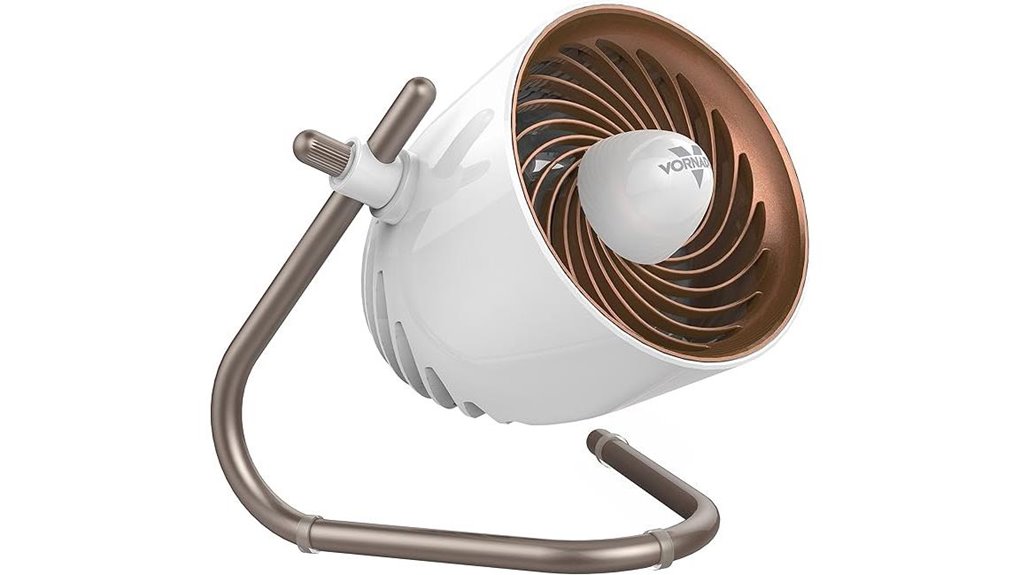
The Vornado Pivot Personal Air Circulator Fan, 6″ Copper stands out for tight, targeted airflow that keeps your cubicle cool without blasting your neighbors. You get compact, stylish desk presence with a 6-inch tall, 4-inch diameter footprint that fits tight spaces. Its 360-degree adjustable axis and multi-directional vortex airflow let you direct cooling precisely where you want. Quiet operation means fewer distractions, while 3 speed settings let you tailor comfort. Built to U.S. voltage standards and safety-tested, it’s warrantied for up to 3 years. Supported from Andover, KS, this copper model blends dependable performance with practical, localized cooling.
Best For: Individuals seeking compact, localized cooling at their desk with whisper-quiet operation and adjustable airflow.
Pros:
- Compact 6″ tall, 4″ diameter footprint fits tight spaces on desks or cubicles
- 360-degree adjustable axis with multi-directional vortex airflow for targeted cooling
- Quiet operation and three speed settings for distraction-free comfort
Cons:
- Small size may provide less airflow for larger spaces
- Copper finish may show fingerprints or require more care
- Limited to personal, desk-level cooling rather than room-wide airflow
Gaiatop 5-Inch Portable Desk Fan, Black, 3 Speeds
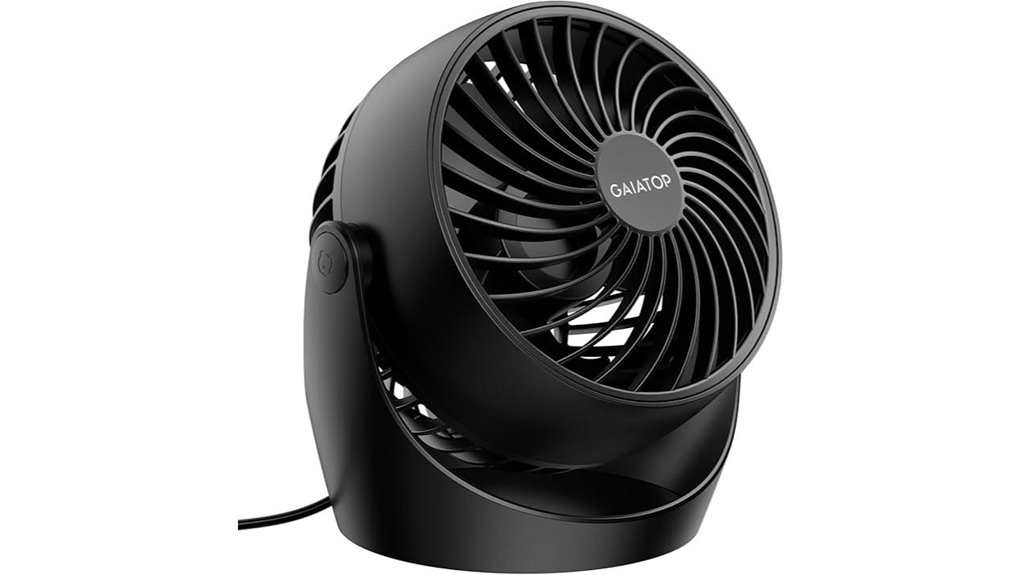
A compact powerhouses option, the Gaiatop 5-Inch Portable Desk Fan delivers strong airflow from a tiny footprint with 3 adjustable speeds and a 360° tilt, making it ideal for cubicles where desk space is king. You’ll appreciate its small footprint (about 4.33″ x 5.59″ x 5.65″) and light 0.73 lb build, plus 120V, 6.8W power. With 3 speeds and deep-pitched blades, it moves air quickly yet stays quiet around 30 dB. The 360° tilt directs airflow precisely, while detachable front cover simplifies cleaning. Includes anti-slip pads for stable placement and a 4.92 ft cord for flexibility.
Best For: desk-detached users needing quiet, space-saving airflow in small working or study areas like cubicles, dorm rooms, and compact desks.
Pros:
- Very compact footprint (≈4.33″ x 5.59″ x 5.65″) and lightweight (0.73 lb) for easy placement.
- Quiet operation (~30 dB) with 3 adjustable speeds and 360° tilt for directed cooling.
- Detachable front cover simplifies blade/grille cleaning and maintenance.
Cons:
- Small blade area may limit airflow for larger rooms or crowded spaces.
- 4.92 ft cord length could restrict placement without an outlet nearby.
- Limited to 120V AC power; no battery or USB-powered option.
RJVW 4-Inch USB Desk Fan, 3-Speed, 360° Rotatable
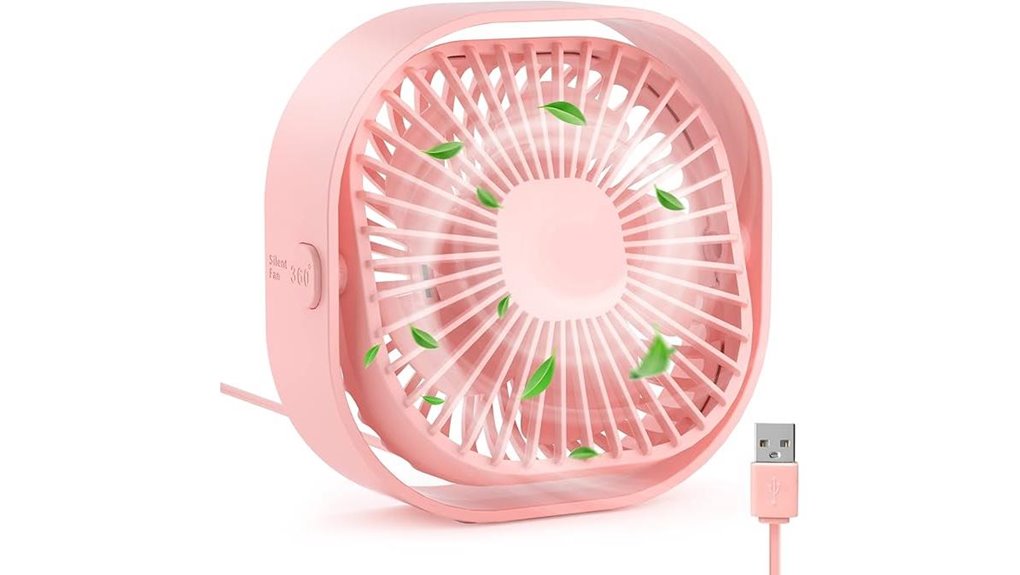
Compact and USB-powered, the RJVW 4-Inch Desk Fan is a perfect pick for tight cubicles thanks to its 0.37-pound frame and 3-speed control. You can choose low, medium, or high with a brushless motor delivering strong airflow while staying ultra-quiet. This mini fan uses 5 blades for efficiency and has no battery, so it plugs into any USB port—laptops, power banks, car USBs, or USB adapters. Its 360° rotation helps you direct airflow precisely, and the non-slip bottom keeps it stable. Lightweight and portable, it fits desks, bags, or travel kits as a practical gift. 24-hour support backs your purchase.
Best For: Busy students and desk workers needing a compact, USB-powered fan with versatile placement and quiet operation.
Pros:
- Ultra-compact and lightweight, easy to carry and fit on any desk
- USB-powered with no battery required, compatible with laptops, power banks, and USB adapters
- 360° rotation and 5-blade design deliver adjustable, efficient airflow quietly
Cons:
- No built-in battery, relies on an external power source
- Limited to USB-powered environments, not suitable where USB power isn’t available
- Small size means lower airflow compared to larger desk fans
USB Desk Fan with Turbo 199 Speeds, Quiet, Rechargeable, 270° Rotation
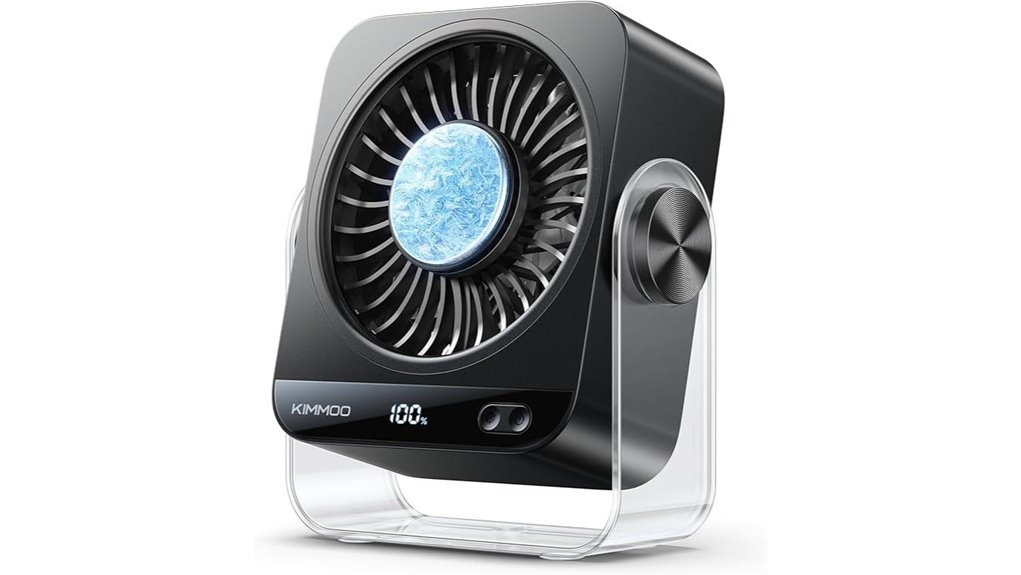
If you need serious airflow in a small workspace, this USB Desk Fan stands out with turbo 199 speeds and a 270° rotation that puts cooling right where you work. You get up to 9000 RPM for rapid airflow, delivering strong, precise cooling in seconds. A smart AI cooling chip supports quick ice therapy, lowering skin temp to 60°F, while dual modes switch between Fan-Only and Fan + Ice Cooler. It’s USB-C rechargeable with an LED display showing battery and speed. Wall-mount or table-friendly, it stays quiet at 28dB, safe with a dual-layer guardrail, and portable for any cubicle.
Best For: Professionals and students in small workspaces who need powerful, adjustable airflow, quiet operation, and portable cooling with USB-C recharge and ice-cooling options.
Pros:
- Ultra-fast airflow up to 9000 RPM with 199 speeds for precise cooling
- Quiet operation at 28 dB, suitable for nurseries, offices, and focused work
- Versatile 270° rotation and 2-in-1 wall mount/table design with USB-C recharge
Cons:
- Ice cooling mode may require access to ice or cold packs for best effect
- Higher-end features (AI chip, LED display) may come at a premium
- Smaller footprint may limit large-room cooling for bigger spaces
Rechargeable USB Desk Fan with Digital Display 100 Speeds
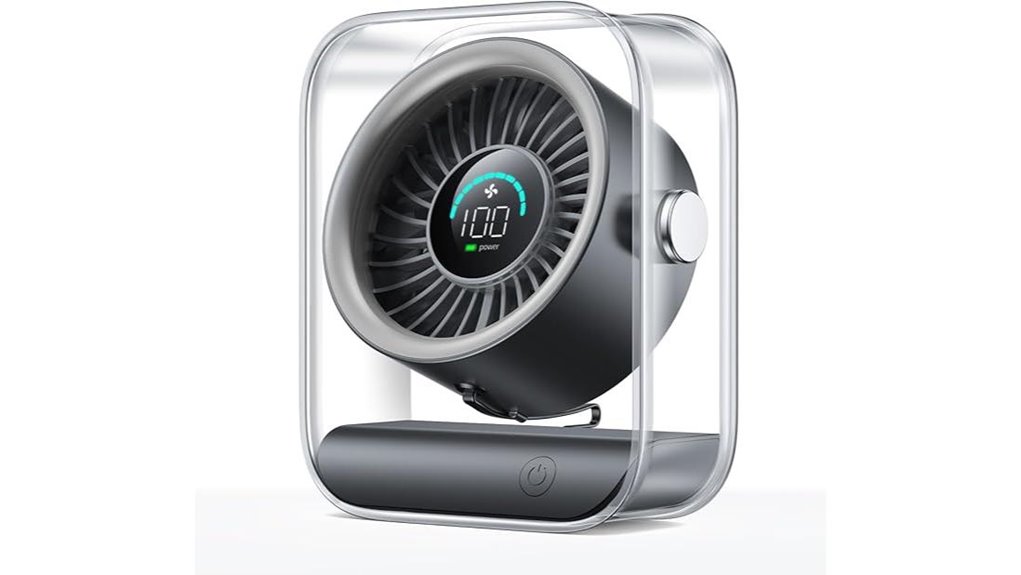
The Rechargeable USB Desk Fan with Digital Display delivers precise, customizable airflow right at your fingertips, making it ideal for crowded cubicles where a silent, controllable breeze matters. You get 100 speeds, a 90° rotating head, and a digital readout showing battery and wind level. This quiet, USB-rechargeable model runs on a compact 14.72-ounce frame, with a turbo option for quick relief thanks to the high-speed motor. With up to 8.5 hours on a charge and a 2.5-hour recharge, you stay cool without cords, using its ABS build and dual guard for safety. Perfect for home, office, or travel.
Best For: Those seeking a compact, cordless desk fan with precise 100-speed control and a digital display for battery and wind Level, ideal for home, office, or travel.
Pros:
- Ultra-quiet operation with a low 35 dB on speed 1
- 100 adjustable speeds and 90° rotating head for targeted airflow
- USB rechargeable with up to 8.5 hours of use and 2.5-hour recharge
Cons:
- Only one color option shown (Black)
- 14.72-ounce size may still be noticeable on very small desks
- ABS plastic construction may not appeal to those seeking premium materials
Vornado VFAN Mini Fan — Desk Temperature Cooling
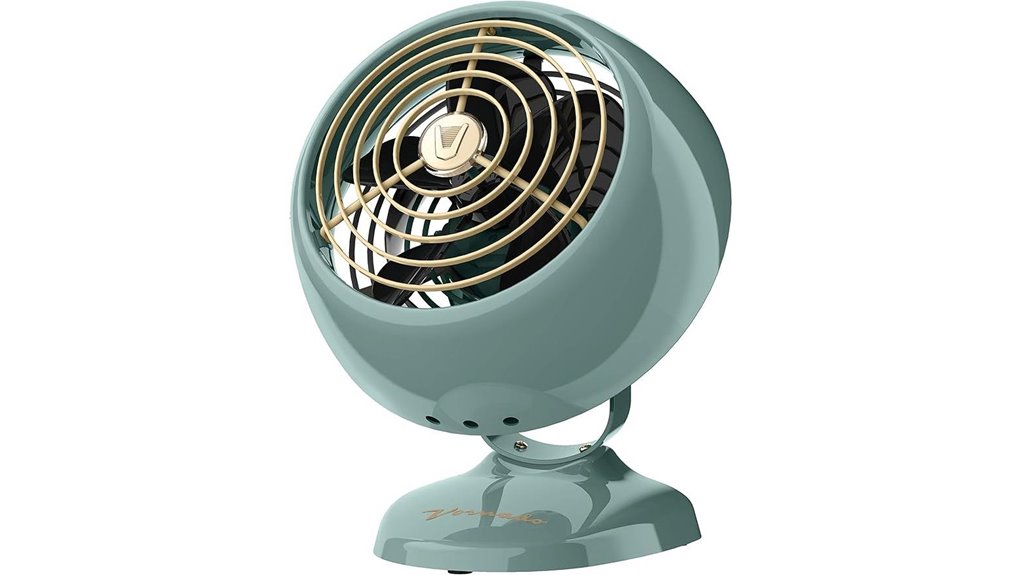
The Vornado VFAN Mini Fan stands out for desk workers who crave targeted airflow without clutter, thanks to its all-metal construction and adjustable tilt head that direct air exactly where you need it. You get two speeds and a quiet hum, letting you cool without distraction. Its vintage, retro metal design suits desks, bedsides, and small spaces, while the adjustable tilt head delivers multi-directional airflow for personal cooling or white noise. Since 1945, Vornado has defined circulator performance, and the VFAN Mini upholds that legacy with lasting quality. Includes up to five-year coverage and reliable support from Andover, Kansas.
Best For: Desk workers and small-space users seeking targeted, quiet airflow with a vintage all-metal design and adjustable tilt.
Pros:
- All-metal construction delivers durability and a retro aesthetic.
- Adjustable tilt head allows multi-directional, personalized airflow.
- Quiet operation with two speeds provides either a gentle breeze or white-noise for focus.
Cons:
- Limited airflow range may be less suitable for larger rooms or aggressive cooling.
- Only two speeds, which might feel restrictive for varied comfort needs.
- Compact size may require closer placement to achieve stronger cooling in very hot environments.
Factors to Consider When Choosing a Fan for Cubicle Airflow
When choosing a fan for cubicle airflow, consider how you’ll control the airflow direction and whether it fits your desk setup. Think about noise levels, power source options, and whether you prefer clip-ons or a freestanding design for easy positioning. Also weigh size and portability to ensure it travels and stores with you without crowding your space.
Airflow Direction Control
Is airflow direction a top priority when choosing a cubicle fan? If you want focused comfort, prioritize 360-degree rotation or adjustable tilt so you can aim airflow precisely within your space. A compact, desk-oriented design helps position the outlet toward your seating area without creating drafts for others nearby. Look for multi-directional airflow, both vertical and horizontal, to cool you without over-spraying into adjacent workspaces. Models with adjustable axis or head tilt let you fine-tune the angle for personal comfort, cutting down on unnecessary movement. A stable mounting or strong clip keeps the direction steady, so you don’t have to readjust constantly. In short, control, stability, and targeted direction are key.
Noise Levels Consideration
Ever wonder how quiet a cubicle fan should be? Aim for models in the 30 dB to 50 dB range to minimize disruption, with around 50 dB max for BESKAR and about 30 dB for Gaiatop as examples. Choose brushless motors, which run quieter and deliver steadier airflow than brushed designs. Look for 360-degree rotation so you can direct cooling without adding noise. Seek products described as “whisper-quiet” or rated explicitly for low noise to ensure minimal distraction during work. Check for multiple low-speed settings to balance cooling effectiveness with acceptable noise at your preferred level. If you need flexibility, prioritize a model with adjustable low speeds and a proven low-noise claim to keep your concentration intact.
Power Source Compatibility
Power source compatibility matters because the right setup keeps your cubicle running smoothly without swapping outlets or swapping batteries every hour. USB-powered desk fans require a compatible USB source, such as a PC or laptop, power bank, AC adapter, or car charger, and may lack an internal battery, affecting portability during cubicle use. Some models offer USB-C rechargeability with a visible battery status, enabling cordless operation for limited periods. Look for 360-degree rotation or adjustable tilt to direct airflow precisely, maximizing passive cooling efficiency. Wall-mount or desk-clip options influence how power cables are routed and whether a dedicated power outlet is needed nearby. Models with low-noise operation, around 28–50 dB, help minimize distraction while maintaining adequate airflow.
Clip-Ons vs Stands
Clip-on fans offer quick, versatile mounting for tight cubicle corners, letting you clamp onto desks, shelves, or edges up to about 2.5 inches thick without extra stands. You’ll get 360-degree rotation and adjustable direction, keeping airflow targeted in small spaces without crowding your desk. Clip-ons excel in portability and USB compatibility, so you can power them from laptops or power banks and move them between workstations easily. Stand fans, by contrast, need a fixed base, occupying surface area but delivering steadier airflow across a broader area, with less risk of tipping. They typically sacrifice portability for a more substantial wind potential and longer AC power runtime. If you value compact placement and quick repositioning, choose clip-ons; if you want broader, steadier coverage, consider stands.
Size And Portability
Size and portability matter more in a cubicle than raw power. In this space, a compact desk or clip-on design helps you avoid clutter and fit on limited desk real estate. Aim for a fan with a 4–6 inch blade diameter, up to 6 inches, to balance airflow with unobtrusiveness. Look for 360-degree rotation or adjustable tilt so you can direct airflow precisely where you need it in a small workspace. Choose lightweight models under 1 lb, so you can reposition them during the workday without destabilizing your desk. USB-powered fans are especially convenient in cubicles, removing the need for a constant wall outlet and pairing well with typical computer setups. Prioritize portability alongside effective airflow for practical comfort.
Safety And Durability
When evaluating safety and durability, you want a fan that stays put and runs quietly through long shifts. Look for sturdy clamps or bases and non-slip feet to prevent tipping in a cubicle. A brushless motor or high-quality bearings ensures quieter, longer-lasting operation under constant use. Check protective grilles and guards meet safety standards to prevent accidents in a shared workspace. Verify 360-degree adjustability and directional airflow to maintain safe, targeted cooling without drafts on coworkers. Prefer models with overheat protection and stable fixtures to withstand continuous desk or cubicle use. Prioritize durable construction, reliable mounting, and easy maintenance so the unit endures daily workloads without becoming a nuisance or safety risk. Your choice should blend safety, reliability, and practical long-term performance.
Common Questions
Do These Fans Fit a Standard Cubicle Desk Height?
Yes, most of these fans fit a standard cubicle desk height. Look for models with adjustable stands or compact bases, and check the weight to avoid tipping. If you need precise clearance, measure your desk from the surface to the bottom of the monitor arm and compare. Some fans offer 90-degree tilts or extendable arms to direct airflow. Always confirm dimensions before purchasing to ensure compatibility with your setup.
Which Fan Is Most Energy-Efficient for All-Day Use?
You’ll want the fan with the lowest watts per hour, which makes it the most energy-efficient for all-day use. In fact, models drawing around 5–8W while circulating air often deliver strong performance without spiking your bill. Look for a high ACF (airflow efficiency) rating and a quiet, PWM-controlled motor. You’ll enjoy consistent cooling, fewer interruptions, and sustained savings as you work, especially with a timer or auto-off feature.
Are Bladeless Options Safer Around Paperwork and Cords?
Yes, bladeless options are safer around paperwork and cords. They have no exposed blades, reducing the risk of accidental contact, and many models feature smooth, enclosed grills and stable bases that minimize snagging on papers or cables. Just choose one with cool-to-the-touch surfaces and a stable footprint. Look for tip-over protection and automatic shutoff if tipped. Keep cords organized, and you’ll enjoy safer, steadier airflow without cutting hazards.
Can These Fans Operate Quietly in Quiet Zones or Meetings?
Yes, these fans can operate quietly in quiet zones or meetings. Choose models with low decibel ratings, brushless motors, and adjustable speeds, then place them away from walls to reduce noise reflections. Use soft, wide blades and a compact footprint to minimize disruption. Run them on a moderate setting during meetings, and switch to a higher tempo only when the room feels stuffy. Pair with a subtle timer to avoid constant airflow.
Do Usb-Powered Fans Require an External Power Bank?
USB-powered fans don’t require an external power bank, but you’ll want one if you’re away from a USB port too long. About 60% of remote workers report power outages irritate their day, so carrying a compact power bank helps. If your USB port provides enough current, you’ll run directly from that port without extra gear. If not, a small bank keeps you cool without interrupting your workflow.